
Home Security System Installation
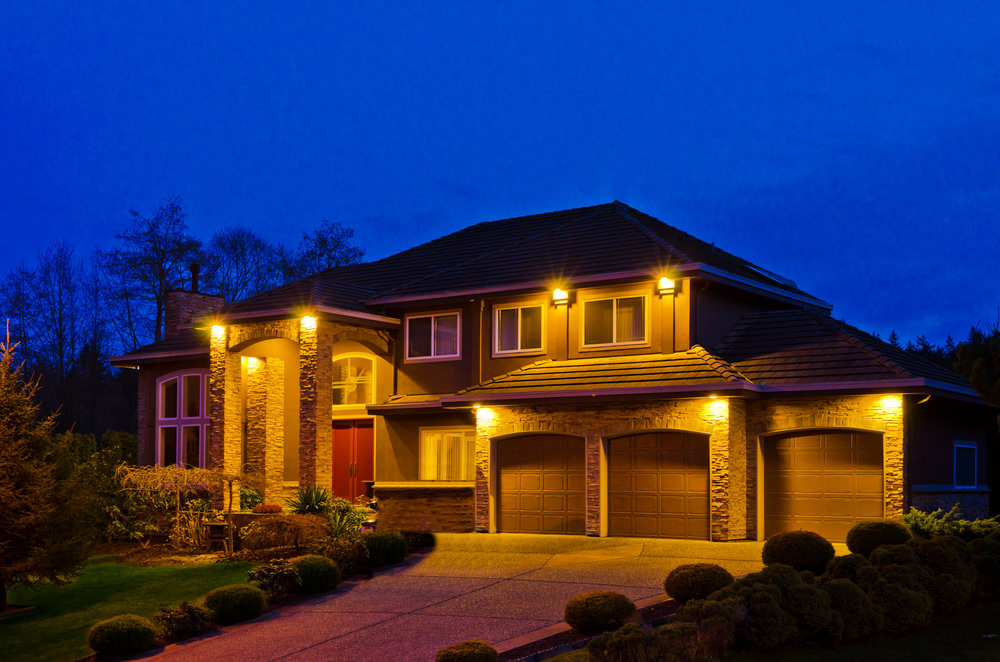
Monitored, Not Just Installed
A monitored system pairs your door and window contacts, motion detectors, and glass-break sensors with a control panel that reports to a monitoring center around the clock — when a sensor trips, the signal goes out over your network or cellular backup, a live operator verifies it, and police or fire get dispatched whether you're asleep or three states away. Self-monitored systems send a notification to your phone and stop there, with no guarantee anyone sees it in time. Low Voltage Components designs and installs monitored systems as a licensed low-voltage contractor (CLSB C-7 License #1056087), planning for redundant coverage and a real answer for what happens when a sensor trips at 2 a.m.
Wired, Wireless, or Both — the Structure Decides
The first real decision in any security installation is wired versus wireless, and the answer comes from the building, not preference. Wired sensors run signal cable to each point — no batteries to replace, no radio signal to lose — which is a genuine advantage on larger properties with detached structures or thick stucco walls. Wireless sensors install faster and leave no cable to patch, making them the practical choice for a remodel where opening finished walls isn't on the table. New construction is where this matters most, since it's the one point where wiring the whole property is simple and inexpensive; for an existing home, the usual recommendation is a hybrid — wired where accessible, wireless everywhere else.
Fire and Smoke on the Same Panel
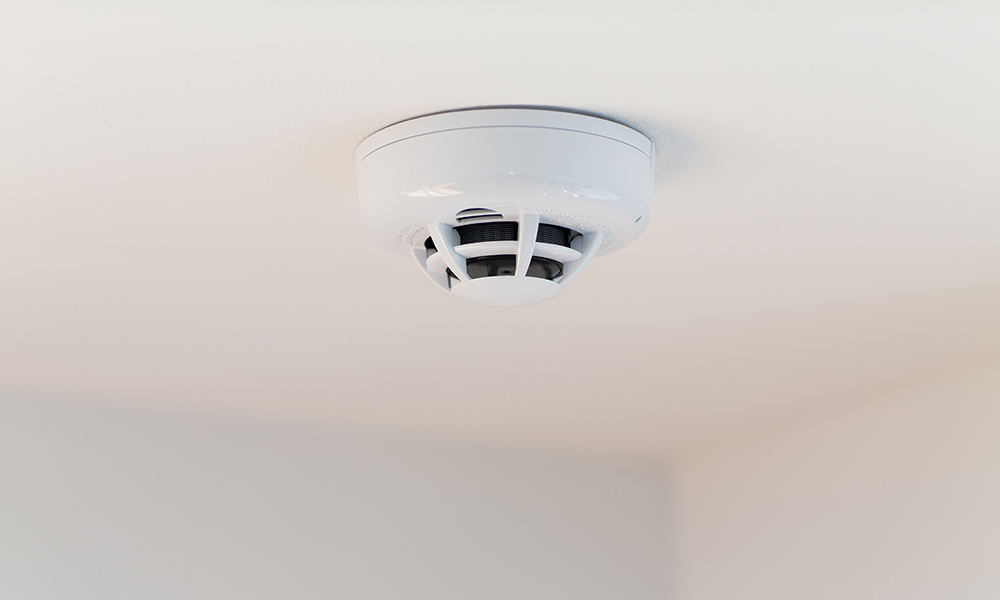
A security system that ignores fire risk is only doing half the job, so smoke and heat detection gets built into the same monitored platform as the intrusion sensors. Interconnected smoke alarms mean a detector in the garage triggers alerts throughout the house, and a monitored panel reports that event the same way it reports a break-in — working smoke alarms cut the risk of dying in a home fire roughly in half, but only if they're installed correctly, interconnected, and maintained. Older homes are where a professional install earns its cost: retrofitting interconnected, monitored detection into a house built before modern code takes planning around existing wiring and wall access, not something a self-installed kit handles well.
What a Security System Should Actually Do
Most home security systems are sold on the monitoring contract rather than the design, which is why so many end up as a keypad by the door, two door contacts and a motion sensor in a hallway. That configuration protects the front door and nothing else. A system worth having covers every ground-floor opening a person can get through, detects glass break in rooms with large panes, and tells you which zone tripped rather than just making noise.
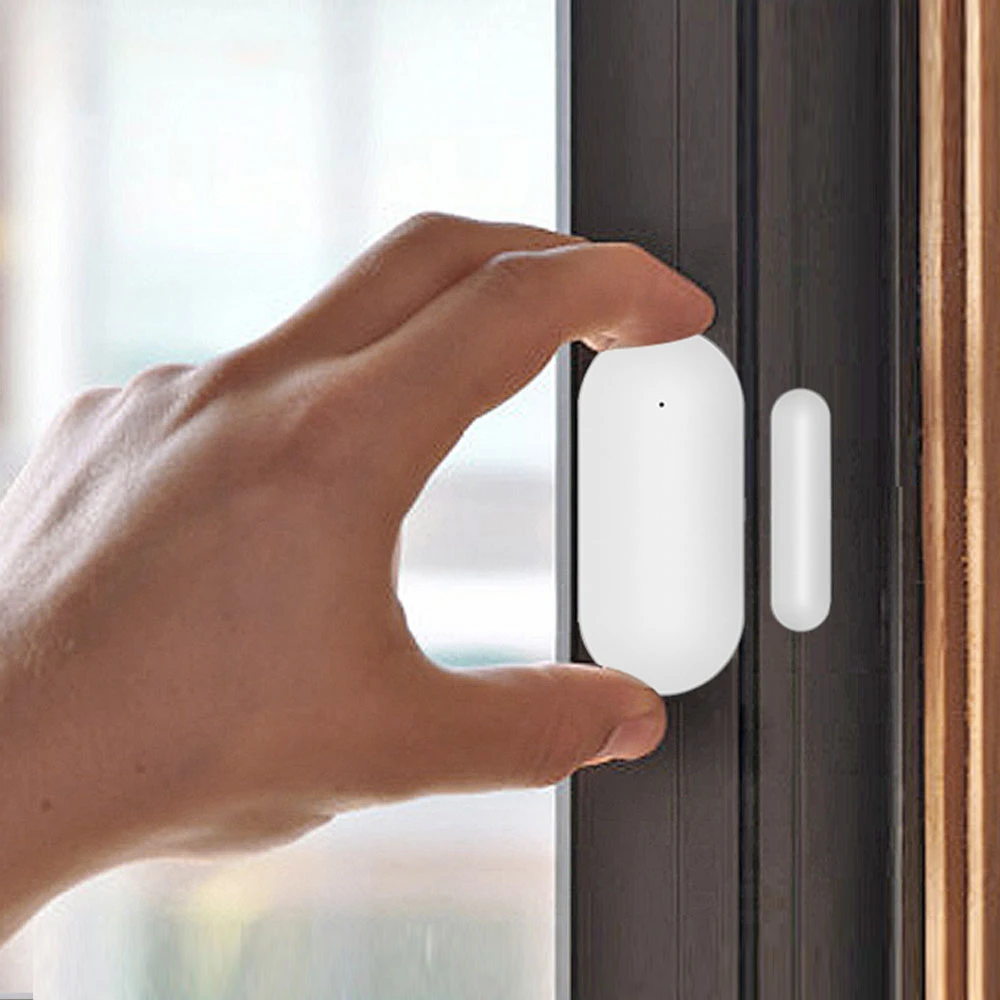
The build starts with a walk of the perimeter. Every exterior door gets a contact. Ground-floor and accessible windows get contacts or glass-break detection, depending on how they open and how much glazing is in the room. Motion sensors go in interior circulation paths — the hallway everyone has to cross — rather than in rooms, because the goal is catching movement through the house rather than covering square footage. Pet-immune sensors go anywhere a dog lives, set to the animal's actual weight rather than a default.
Communication is the part that decides whether the system works when it matters. A panel that reports only over the internet stops reporting when the internet stops. We specify cellular reporting as the primary path with broadband as backup, and a battery that carries the panel through a multi-hour outage. Every sensor is named to its actual location, so an alert reads Kitchen Slider rather than Zone 7 — that difference is what makes a 2am alert actionable instead of alarming.
Security ties into the rest of the house rather than sitting apart from it. Arming can drop the lights and shades, an alarm can pull up the relevant camera feed on a phone, and a smart lock can let a specific code in at a specific time and log it. On a new build all of this is a pre-wire decision, because hard-wired sensors do not need batteries changed across twenty windows for the next fifteen years.
Frequently Asked Questions
Do I need a monitoring contract?
Not necessarily. Self-monitored systems push alerts straight to your phone with no monthly fee and work well for people who will actually respond. Professional monitoring is worth it if you want someone dispatching when you are unreachable, travelling, or asleep. We install both and we do not make the monitoring contract a condition of the installation.
Hard-wired or wireless sensors?
Hard-wired where the walls are open — no batteries, nothing to replace, nothing to fail silently. Wireless in finished homes, where the trade-off is a battery every three to five years per sensor. In a twenty-opening house that is a real maintenance item, which is why we push hard-wired at the pre-wire stage.
Will the alarm still work if the power or internet goes out?
It should, and ours do. The panel carries a battery sized for a multi-hour outage and reports over cellular as its primary path, so a cut internet line or a neighbourhood outage does not take the system offline. Systems that report only over Wi-Fi are the ones that go quiet exactly when you need them.
Can I keep my existing sensors and just replace the panel?
Often yes, particularly with hard-wired contacts, which are generally reusable regardless of what panel they were installed with. Wireless sensors are usually tied to their original manufacturer. We check what is there before quoting a full replacement, because reusing the wiring can take a meaningful amount out of the job.
Does the alarm integrate with cameras and locks?
Yes. The useful version is an alert that carries the camera clip with it, so you can see what tripped the sensor before deciding what to do, plus lock codes per person with a log. We set that up as part of the install rather than leaving it as an app the household has to figure out.
More answers: see our full FAQ page, browse the areas we cover on the service areas page, or get in touch and we will walk you through it.
Get a Free Quote for Security Systems
Tell us about the project and David will get back to you within one business day with honest next steps and a ballpark. Prefer to talk? Call (310) 702-0504.
"*" indicates required fields
Interested? Let's Talk.
Questions about your project, or ready to get started? Get in touch and we'll walk you through it.